

Log in at my.elyspace.com/login with the email address and password of your ElySpace account, or with Google. Here's how, and how to log out safely.
Log in
-
Open my.elyspace.com/login. On elyspace.com you get there with Login at the top of the page.
-
Fill in the form:
- Email Address: the address you signed up with.
- Password: click the eye icon to check what you typed.
- Remember Me: tick it only on your own computer or phone, never on a shared or public one.
- Click Login.
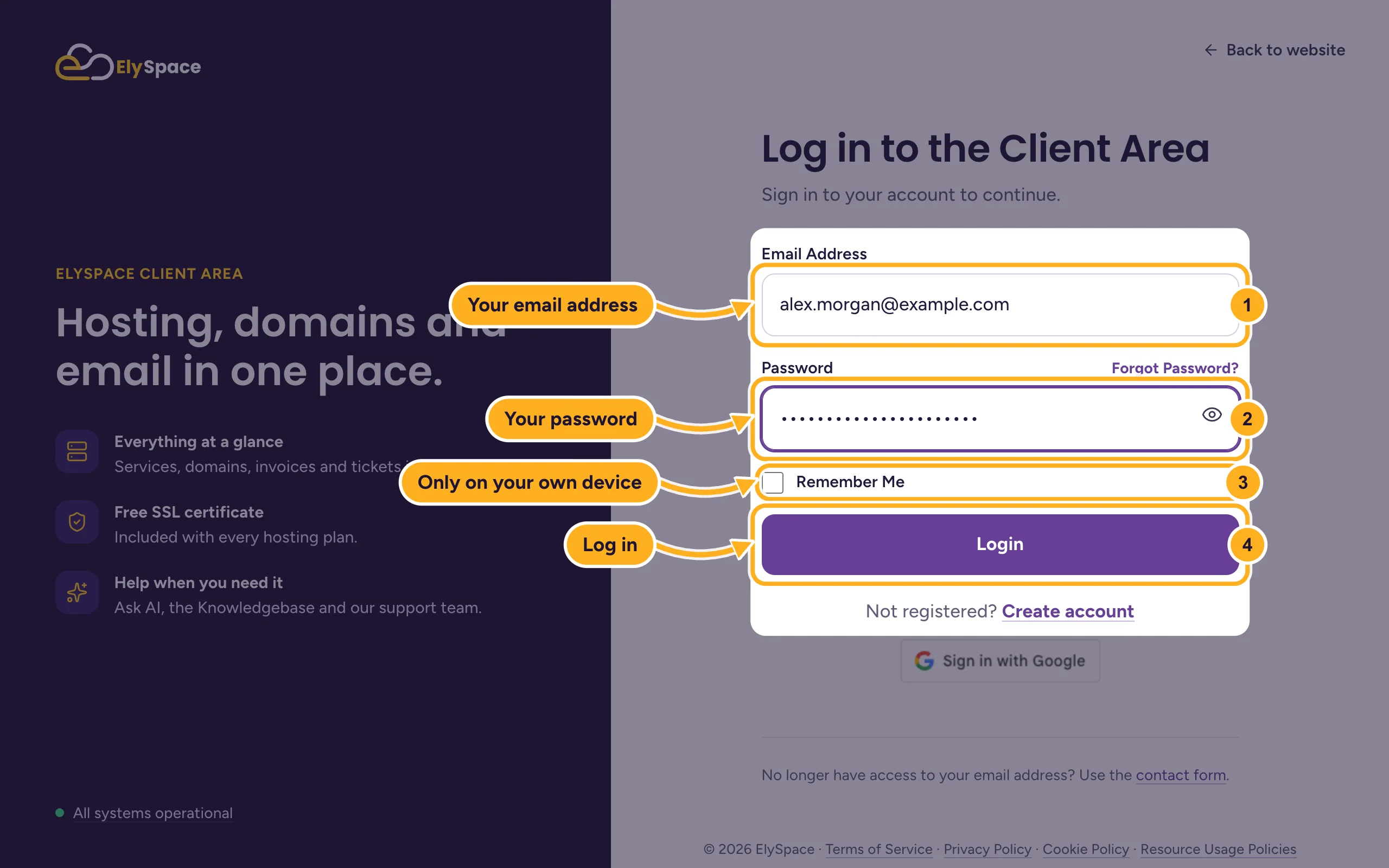
If your ElySpace account uses the same Gmail or Google Workspace address, you can click Sign in with Google under the form instead of typing a password.
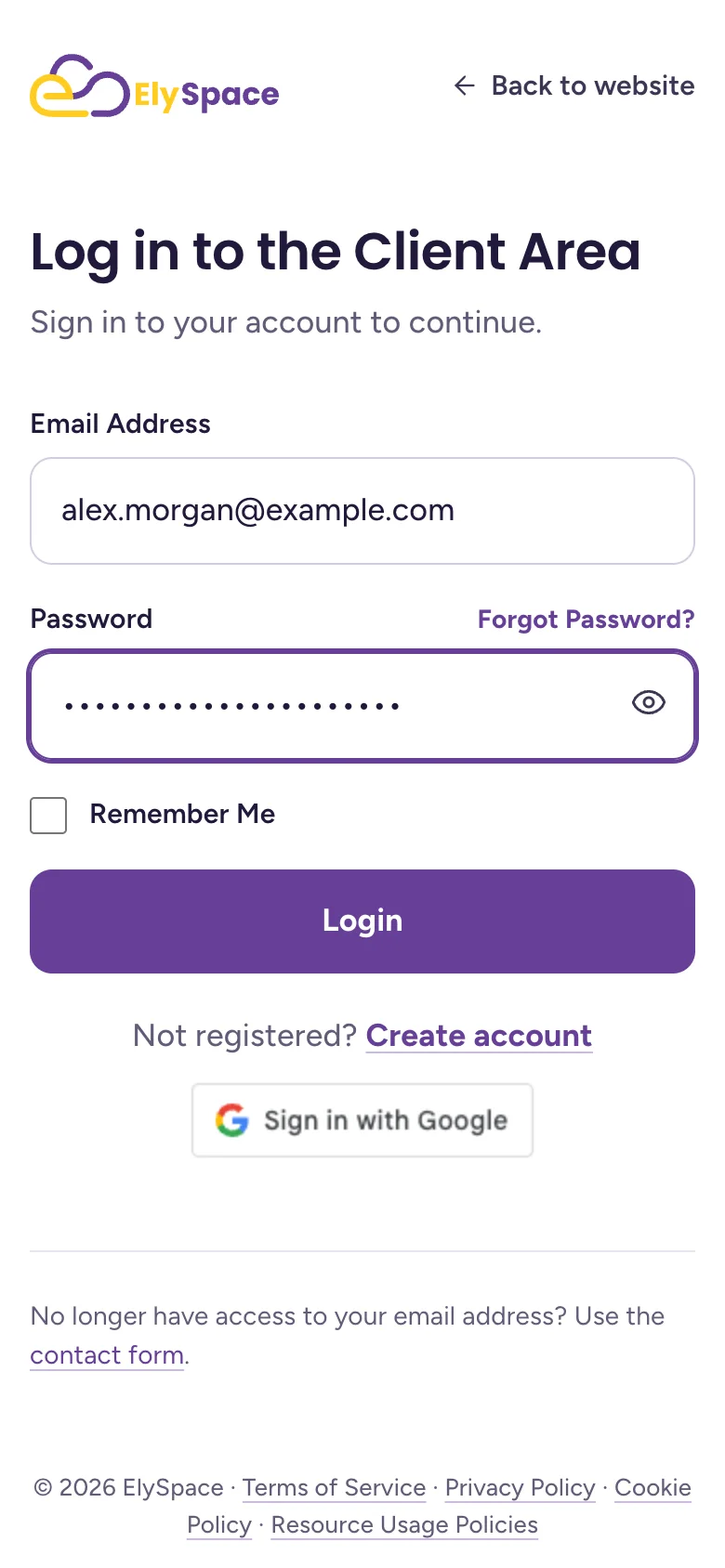
On a phone the page looks the same, just narrower:
Log out
Click your initials in the top right corner.
Click Logout.
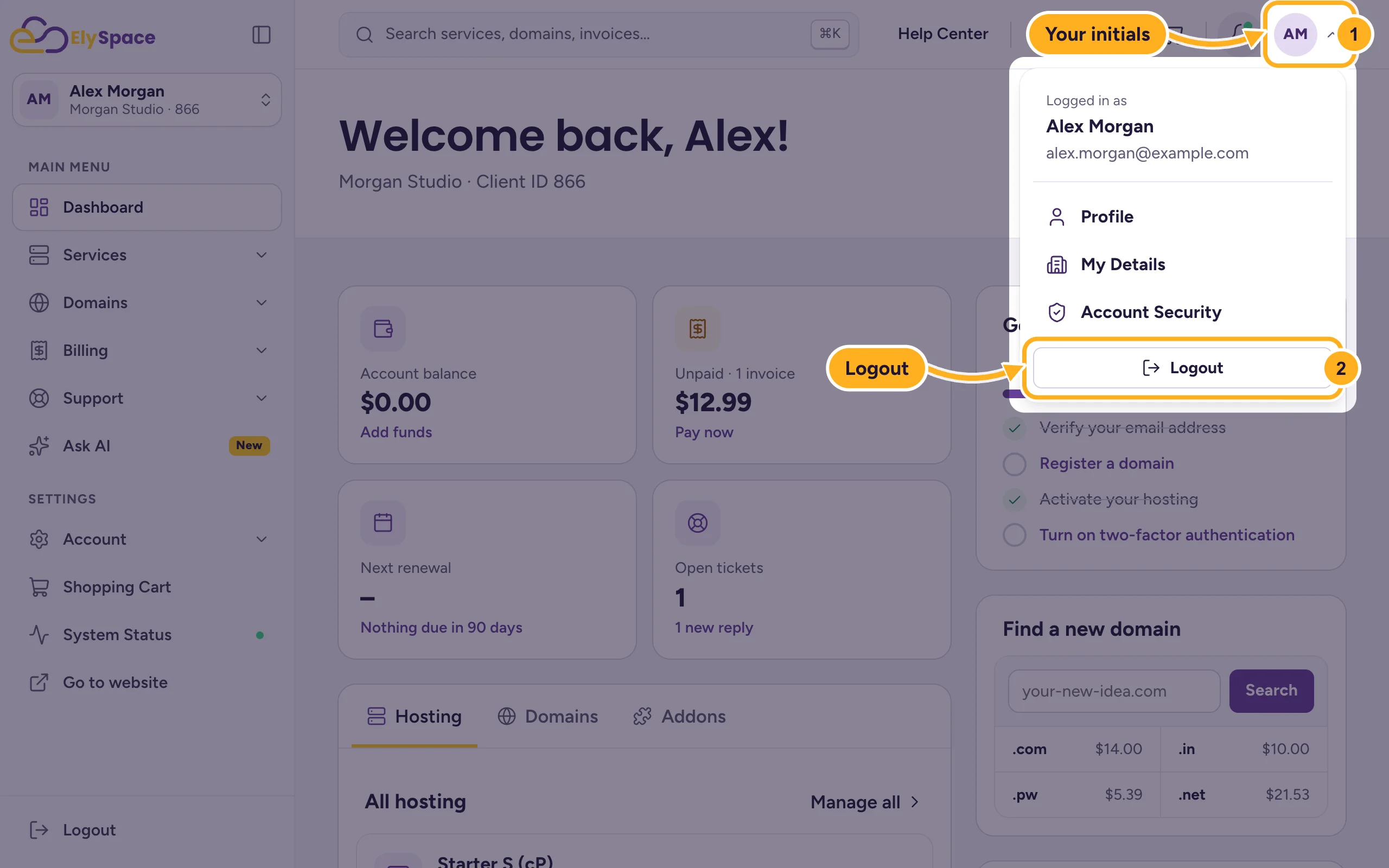
You'll also find Logout at the bottom of the menu on the left. Always log out when you've used a computer that other people use too.
Client area or cPanel?
Your hosting has two places to log in, each for different jobs:
- Client area (my.elyspace.com): orders, invoices, domains, support tickets and your account details.
- cPanel: your website files, email accounts, databases and WordPress.
You don't need a separate cPanel password to get in. Open your hosting service in the client area and click Log in to control panel. See Log in to cPanel from the client area.
Common problems
"Login Details Incorrect"
Check that you're using the email address of your ElySpace account (not your website's email) and that Caps Lock is off. If it still fails, reset your password with Forgot Password? above the password field.
You can't get in after several tries
After repeated failed attempts the client area blocks logins from your connection for a while to protect your account. Wait a little, then try again or reset your password.
You no longer use the email address of your account
Use the contact form (it works without logging in) and tell us your name, company and domain. We'll check that the account is yours before we change anything.
Related articles
- Reset a forgotten client area password
- Turn on two-factor authentication (2FA)
- Can't log in? What to check
- The ElySpace client area at a glance
Still stuck? Use the contact form, no login needed, and we'll help.
