

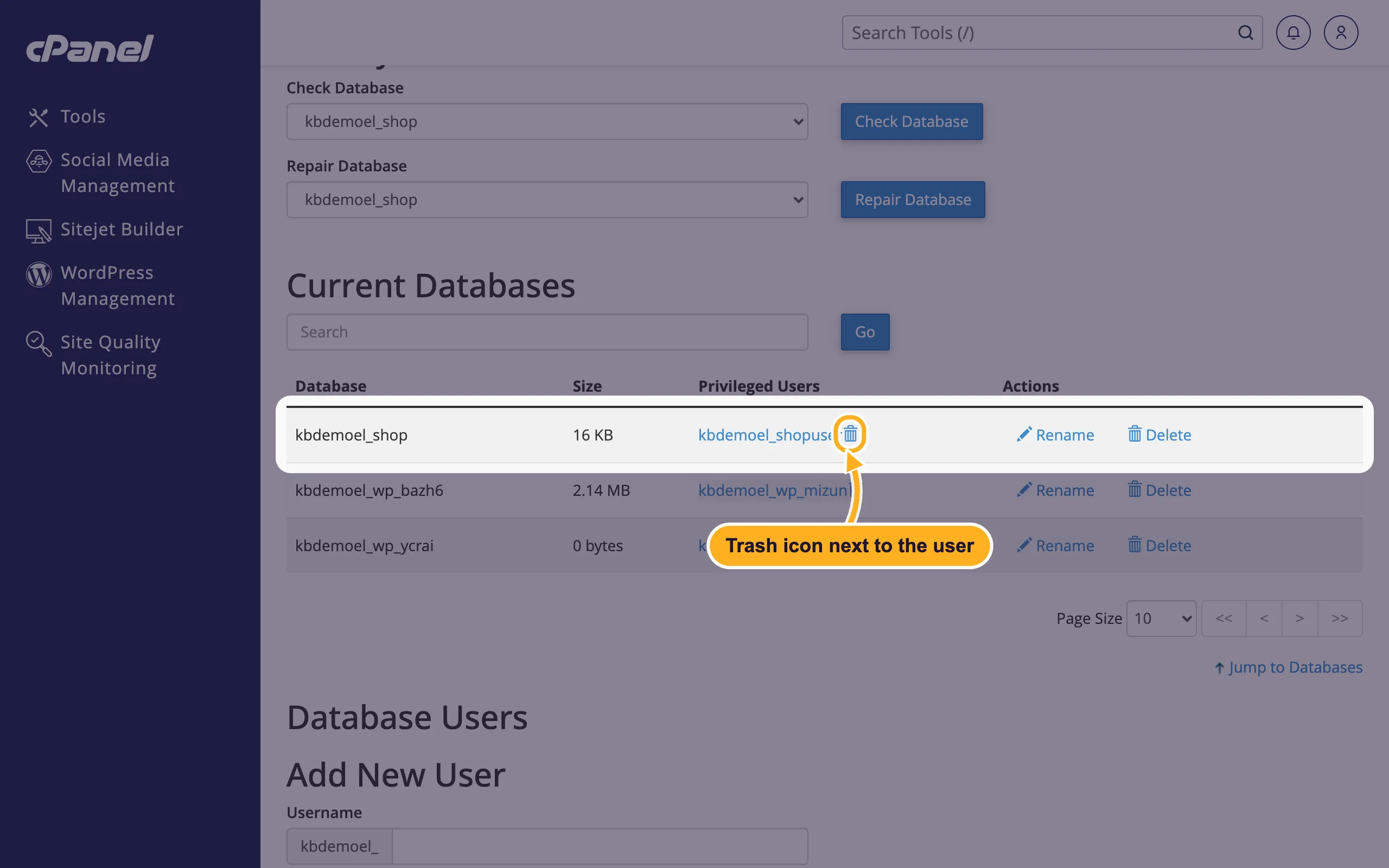
To take a user's access away from one database, click the trash icon next to the user under Current Databases. The user itself stays in your account.
Remove the user from the database
In cPanel, open Databases > Manage My Databases.
In Current Databases, find the database. In its Privileged Users column, click the trash icon next to the user you want to remove.
Click Revoke User Privileges from Database to confirm.
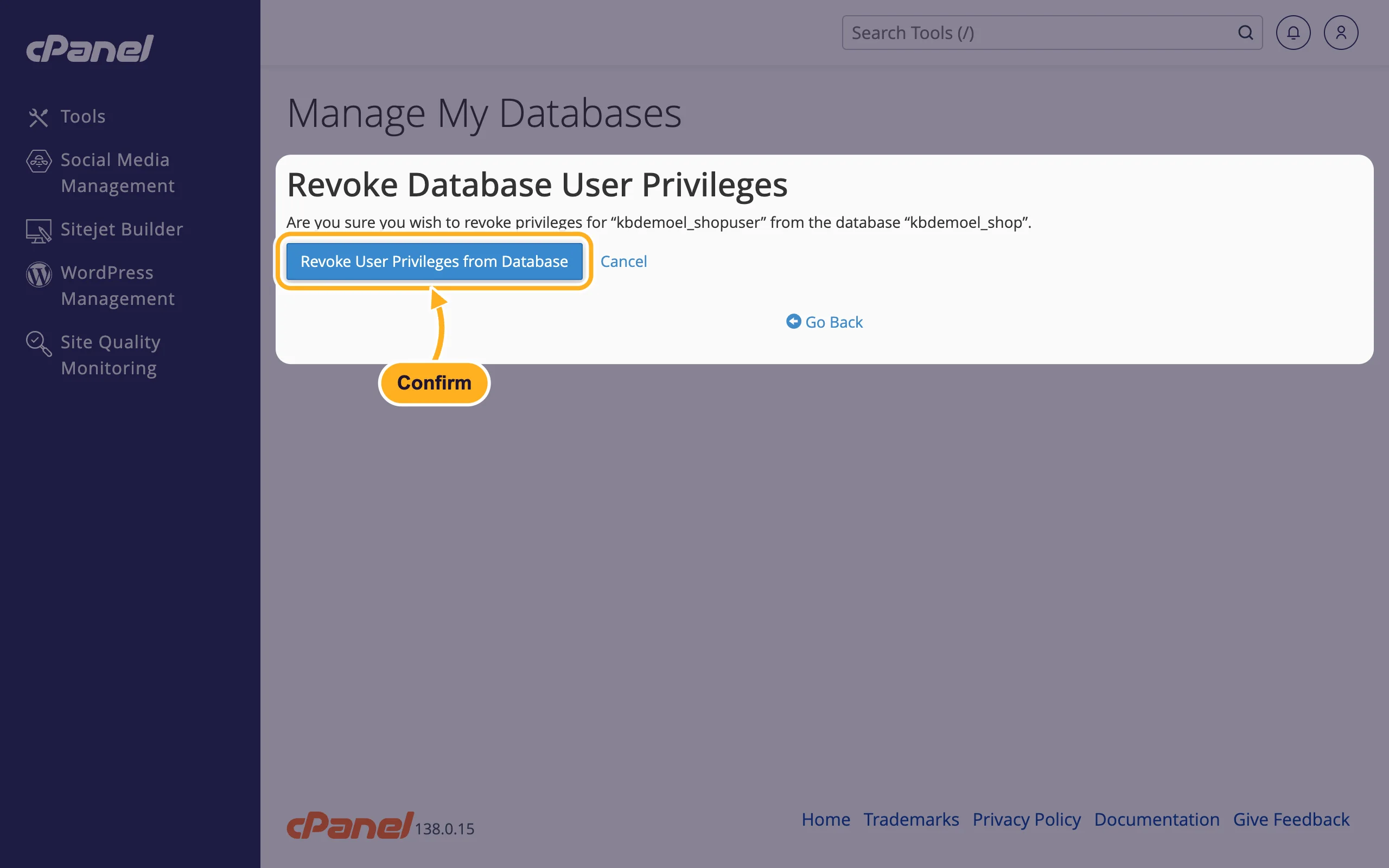
The user can no longer use that database, but it's still listed under Current Users and keeps its access to other databases. To delete the user completely, see Delete a database or a database user.
Careful: if a website uses this user, it stops working as soon as the access is removed.
Related articles
- Add a user to a database and set privileges
- Delete a database or a database user
- Create a MySQL database user
Still stuck? Open a support ticket and we'll help.
