

You can pay ElySpace invoices by card (Stripe), Razorpay for Indian UPI and cards, PayPal, crypto (NOWPayments) or bank transfer, in USD, INR or GBP.
The payment methods
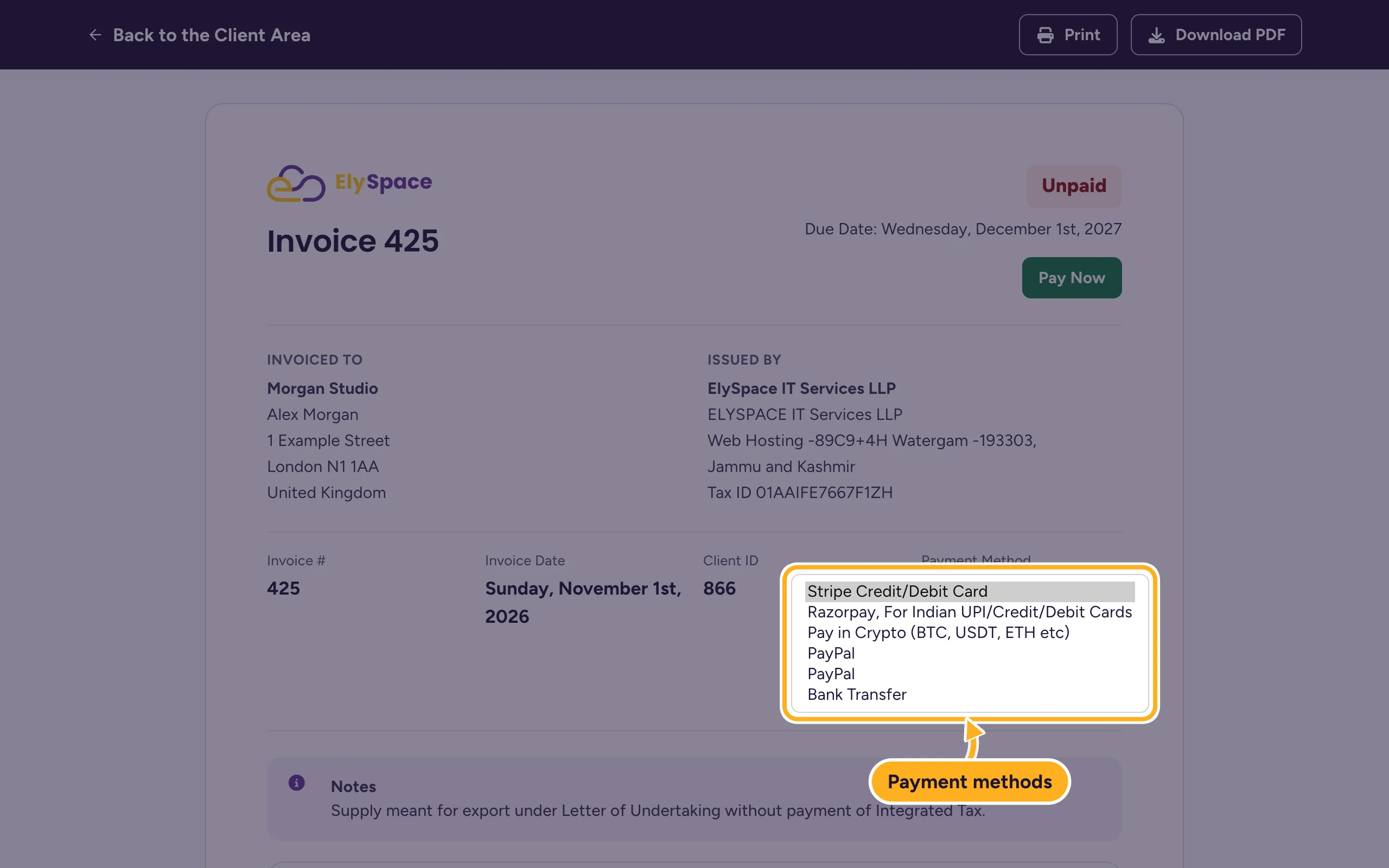
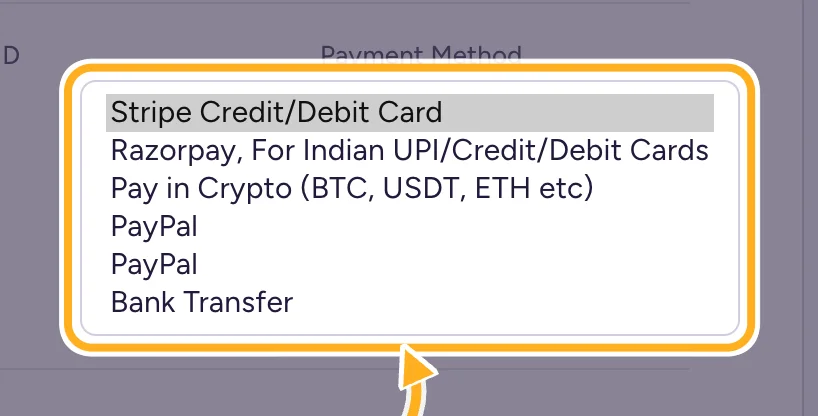
You choose the method on each invoice under Payment Method:
| On the invoice | What it is |
|---|---|
| Stripe Credit/Debit Card | Visa, Mastercard and other cards. The only method you can save for automatic payments. |
| Razorpay, For Indian UPI/Credit/Debit Cards | UPI apps and Indian cards. |
| Pay in Crypto (BTC, USDT, ETH etc) | Cryptocurrency through NOWPayments. |
| PayPal (listed twice) | Your PayPal account or a card through PayPal. Both entries take you to PayPal. |
| Bank Transfer | A transfer from your bank account. It takes as long as your bank needs. |
Account credit is a sixth way to pay: money you added in advance is used for your next invoices.
Currencies
The client area shows prices in US dollars (USD), Indian rupees (INR) or British pounds (GBP). Your account's currency is set when you sign up and your invoices are issued in it. See Change the language or currency.
Automatic payments
We can only charge you automatically if you've saved a card under Billing > Payment Methods. With every other method you pay each invoice yourself before its due date. See Save, change or remove a card.
Common problems
Your preferred method isn't in the list
Only the methods above are available. If none of them works for you, open a ticket in Sales Support before the due date and we'll look for a solution.
The invoice opens with a method you don't use
Pick another one in the Payment Method list on the invoice. See Change the payment method of an invoice.
Related articles
Still stuck? Open a support ticket and we'll help.
