

To pay an invoice another way, open it and pick a different option in the Payment Method list. The invoice then uses that method when you click Pay Now.
Change the payment method
Log in to the client area, go to Billing > My Invoices and click View next to the unpaid invoice.
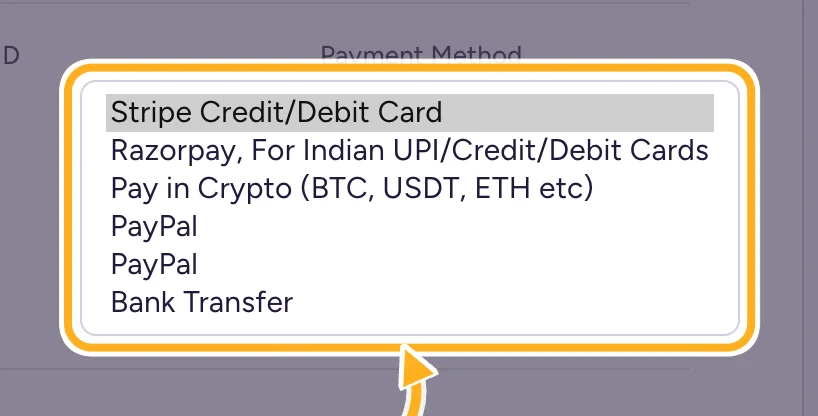
Open the Payment Method list and click the method you want. The page reloads with the new method.
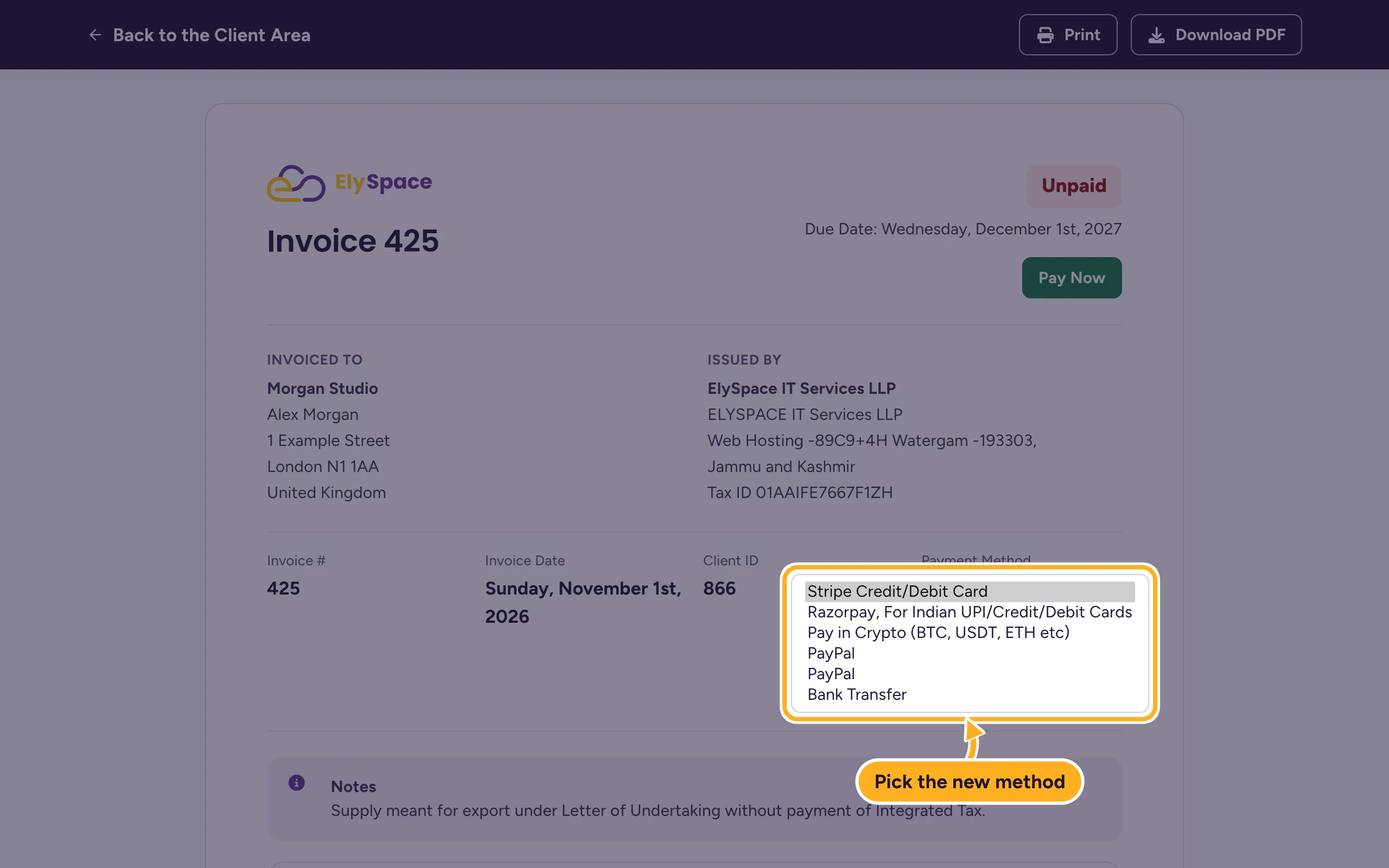
Click Pay Now and finish the payment. See Pay an invoice.
You can only change the method while the invoice is unpaid. On a paid invoice, Payment Method shows how it was paid.
For future invoices
Changing the method on one invoice doesn't change your next invoices. To have them paid automatically, save a card. See Save, change or remove a card.
Common problems
The method you want is missing
The list shows every method we accept. See Payment methods we accept.
Related articles
Still stuck? Open a support ticket and we'll help.
