

How to Transfer Your Domain Away from ElySpace
This guide will walk you through the process of transferring your domain name from ElySpace to another domain registrar.
Prerequisites
Before you begin, ensure that:
- Your domain is at least 60 days old (ICANN requirement)
- Your domain is not locked or suspended
- Your contact information is up to date
- You have access to the email address associated with your domain
Step 1: Log in to ElySpace Portal
Visit the ElySpace client portal and log in with your credentials.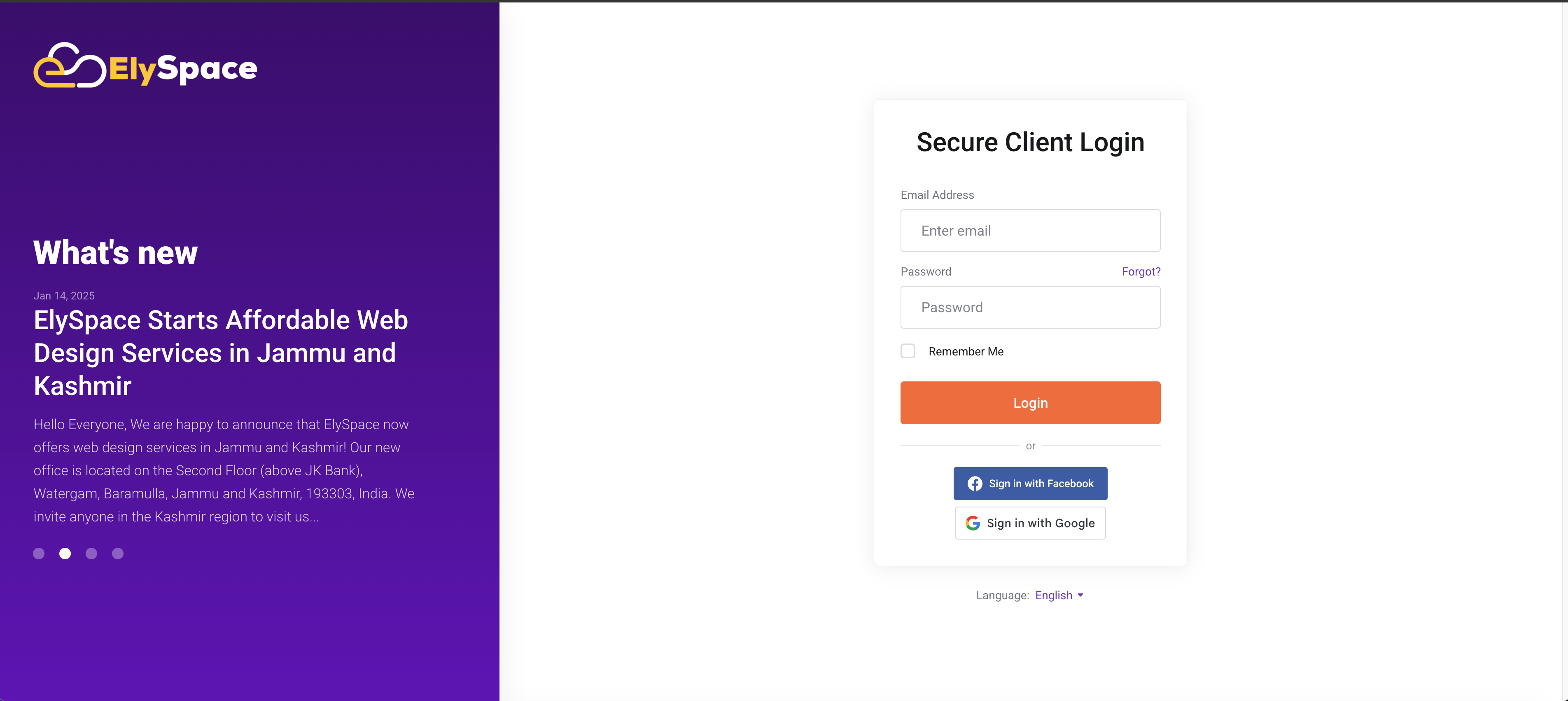
Step 2: Access Your Domains
Once logged in, navigate to the Domains section from the main dashboard or menu.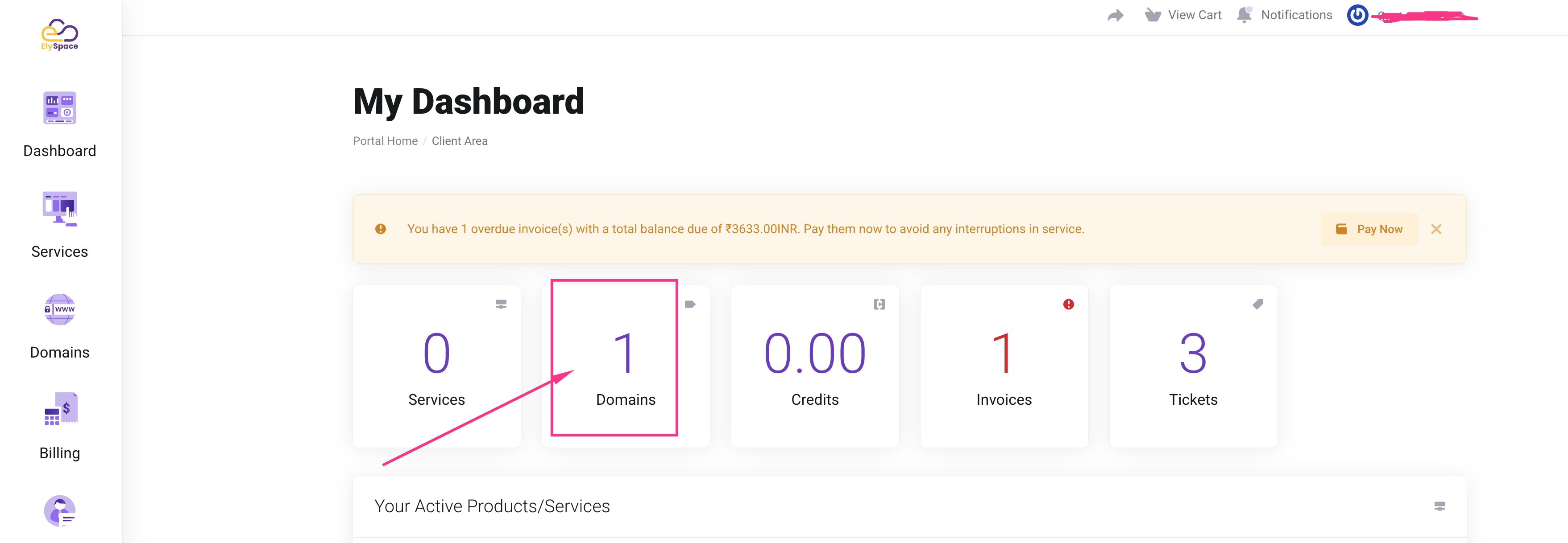
Step 3: Select Your Domain
Find the domain you want to transfer and click on Manage or View Details next to it.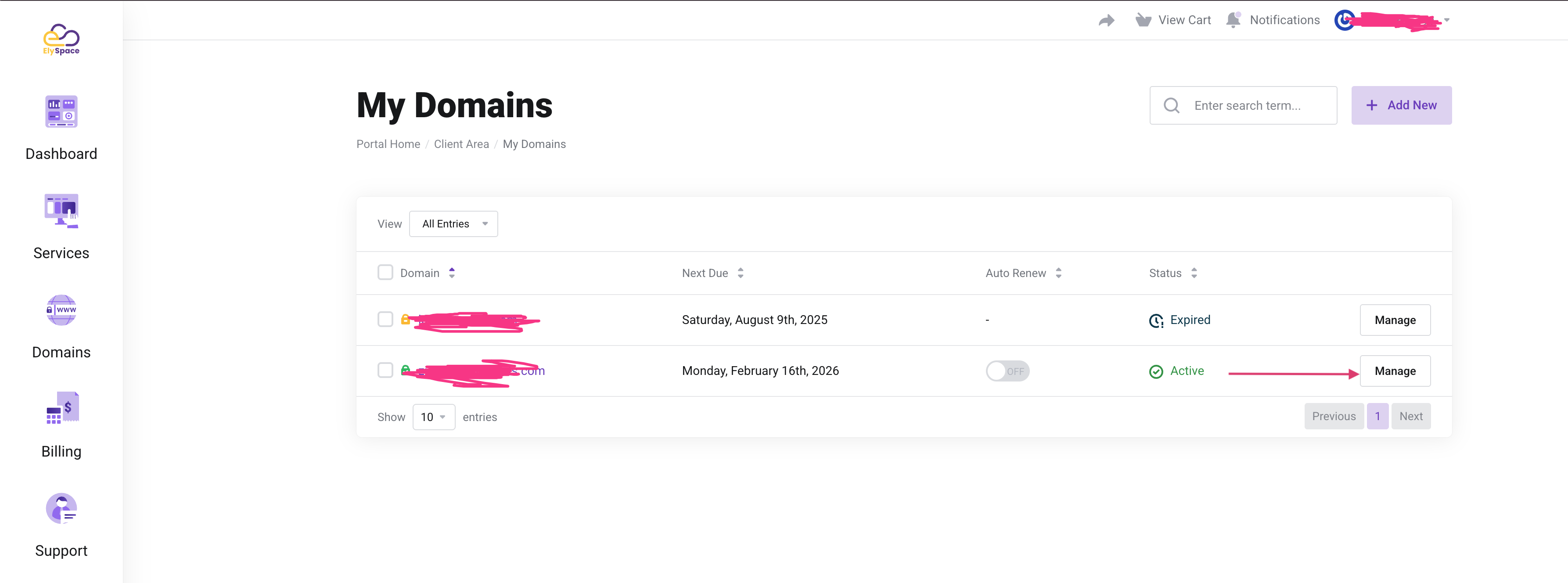
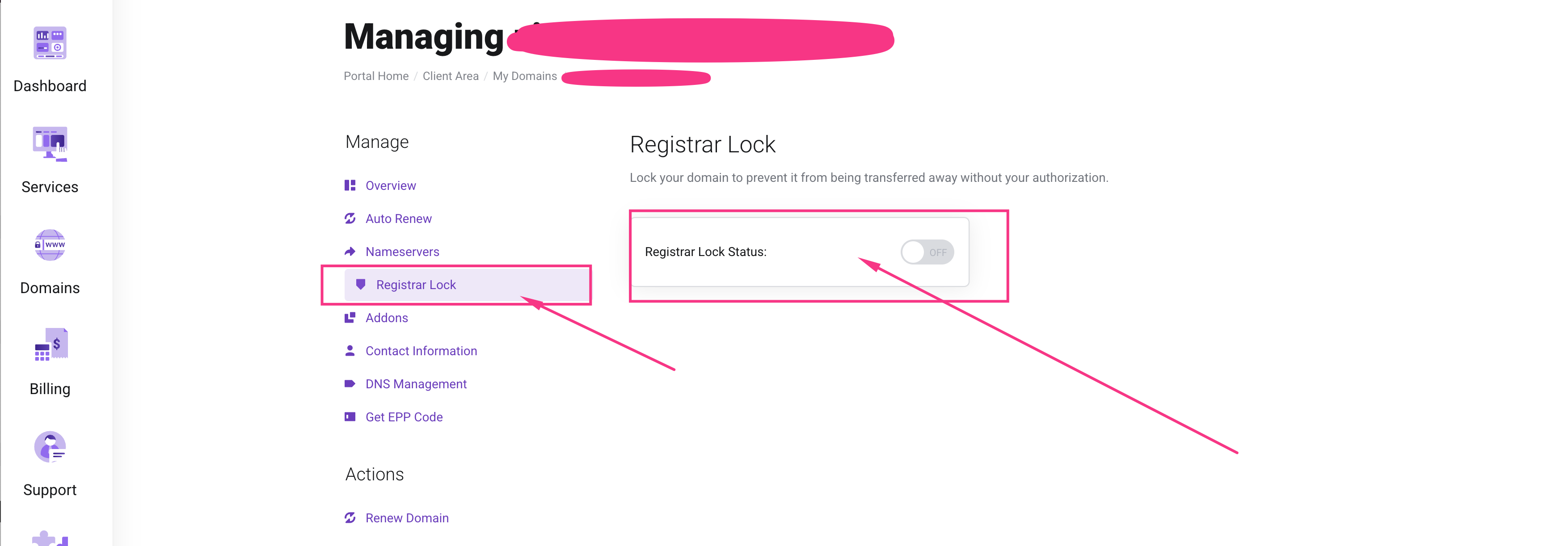
Step 4: Unlock Your Domain
Before transferring, you need to unlock your domain:
- Look for the domain lock or registrar lock setting
- Disable the lock by toggling it off or clicking Unlock Domain
- Confirm the action if prompted
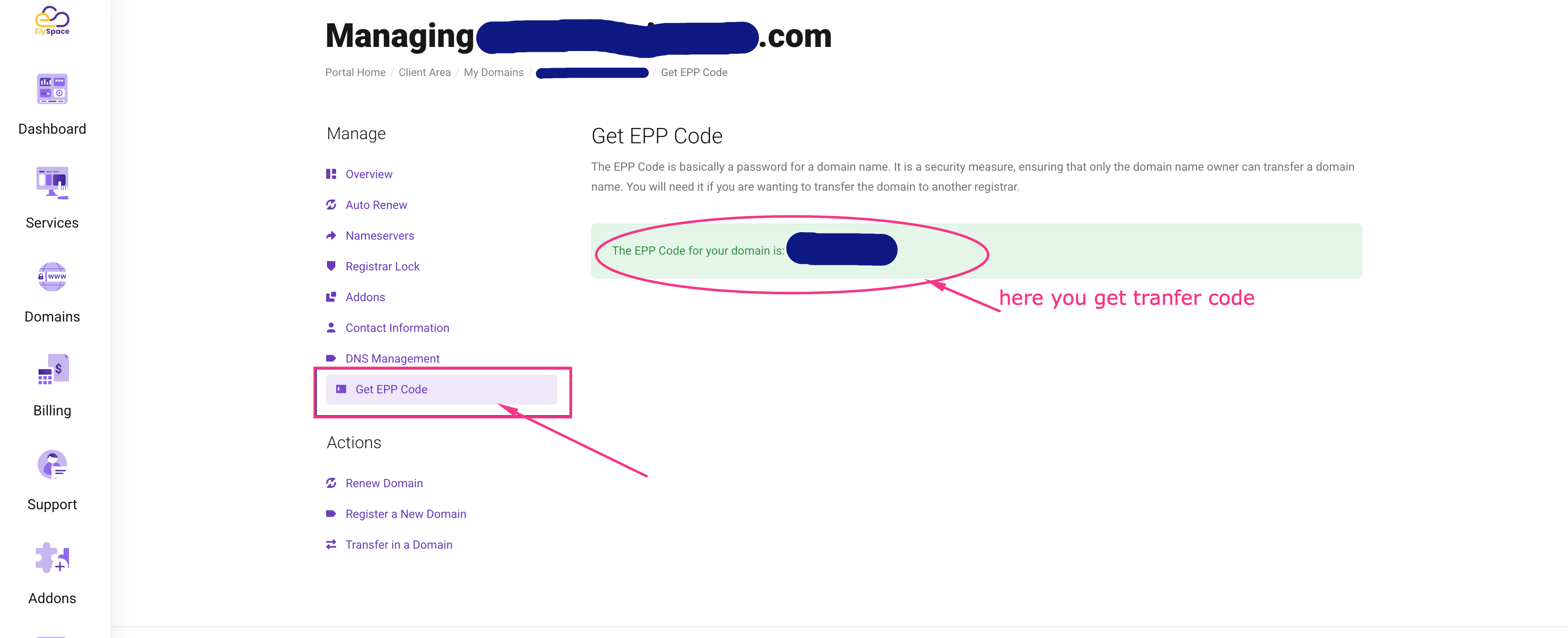
Step 5: Obtain Your EPP Code (Authorization Code)
The EPP code (also called Authorization Code or Transfer Key) is required to transfer your domain:
- Click on Get EPP Code or Request Auth Code
- The code will typically be displayed on screen or sent to your registered email address
- Save this code securely - you'll need it for the transfer process
Step 6: Initiate Transfer at Your New Registrar
Now you're ready to transfer your domain to a new provider. Here's how to proceed with some popular registrars:
Example Providers and Their Transfer Process:
GoDaddy:
- Visit GoDaddy.com and navigate to "Transfer Domain"
- Enter your domain name and click "Search"
- Add to cart and proceed with the transfer
- Provide your EPP code during the transfer process
- Complete the purchase
Google Domains (now Squarespace Domains):
- Go to domains.squarespace.com
- Click "Transfer In" and enter your domain name
- Enter your EPP code when requested
- Follow the on-screen instructions to complete
Step 7: Approve the Transfer
After initiating the transfer at your new registrar:
- Check the email address registered with your domain at ElySpace
- You should receive a transfer approval email
- Click the approval link in the email to authorize the transfer
- The transfer typically completes within 5-7 days
Important Notes
- Transfer Fee: Most registrars charge a transfer fee, which usually includes a 1-year domain renewal
- Timing: Domain transfers can take 5-7 days to complete
- Expiration Date: Your domain's expiration date will typically be extended by one year after transfer
- Email Service: If you use email services tied to your domain, ensure you've backed up your data and configured email at your new provider
- DNS Records: Before transferring, export or note down your DNS records if you need to maintain the same configuration
Troubleshooting
EPP Code Not Working:
- Ensure you're entering the code exactly as provided (case-sensitive)
- Request a new EPP code if the old one has expired
Transfer Denied:
- Verify your domain is unlocked
- Check that the domain is not within 60 days of registration or a previous transfer
- Ensure your contact information is accurate and verified
Not Receiving Approval Email:
- Check your spam/junk folder
- Verify the email address on file in your ElySpace account
- Contact the new registrar's support if the issue persists