

System Status in the client area shows whether ElySpace hosting, email, databases, cPanel, the client area and domains are working, plus planned maintenance.
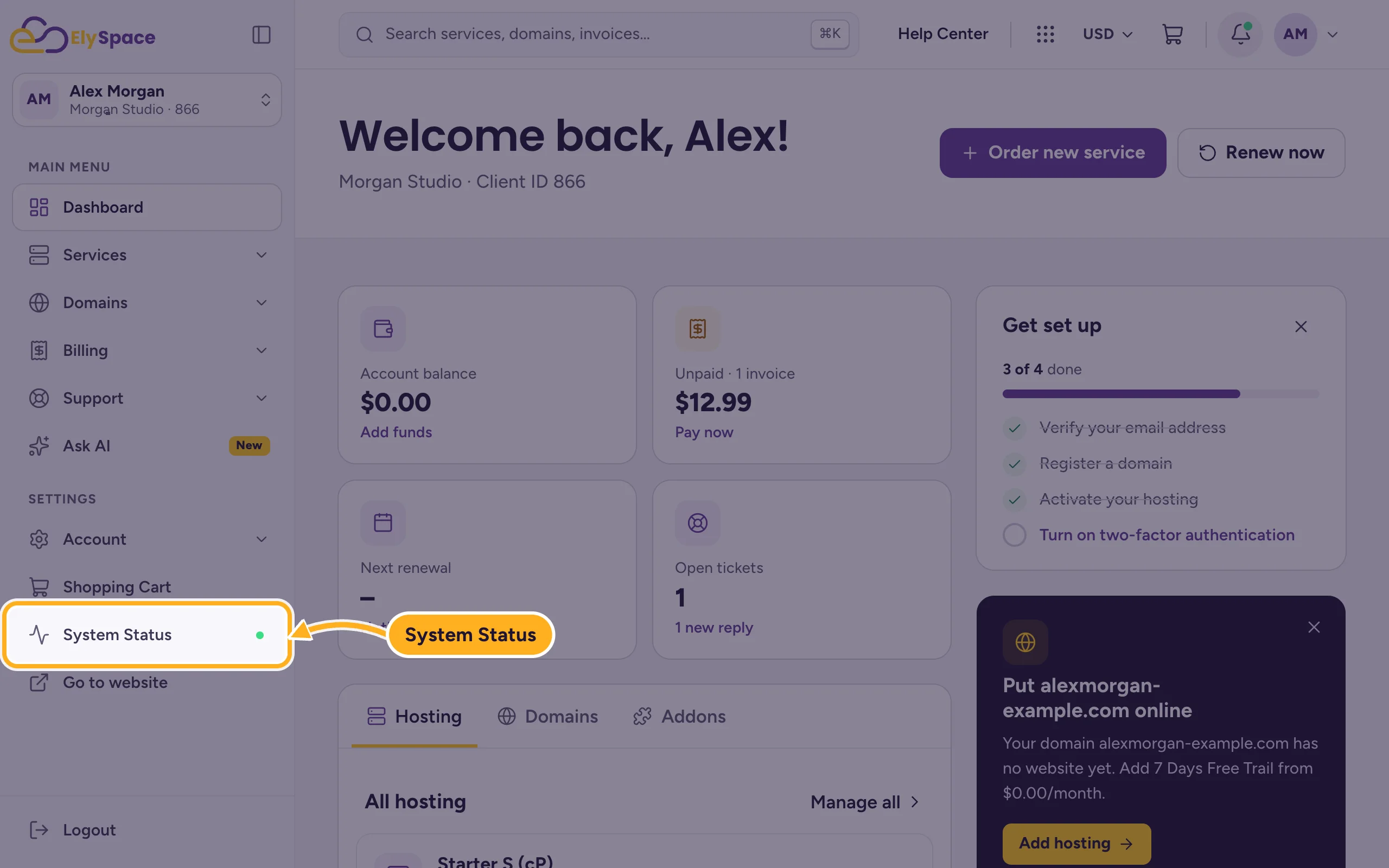
Open System Status
Click System Status in the menu on the left of the client area. You can also open my.elyspace.com/serverstatus.php without logging in.
The page shows:
- The overall status at the top, for example All systems operational.
- The status of each part: Web hosting, Email, Databases, Control Panel, Client Area and Domains and DNS.
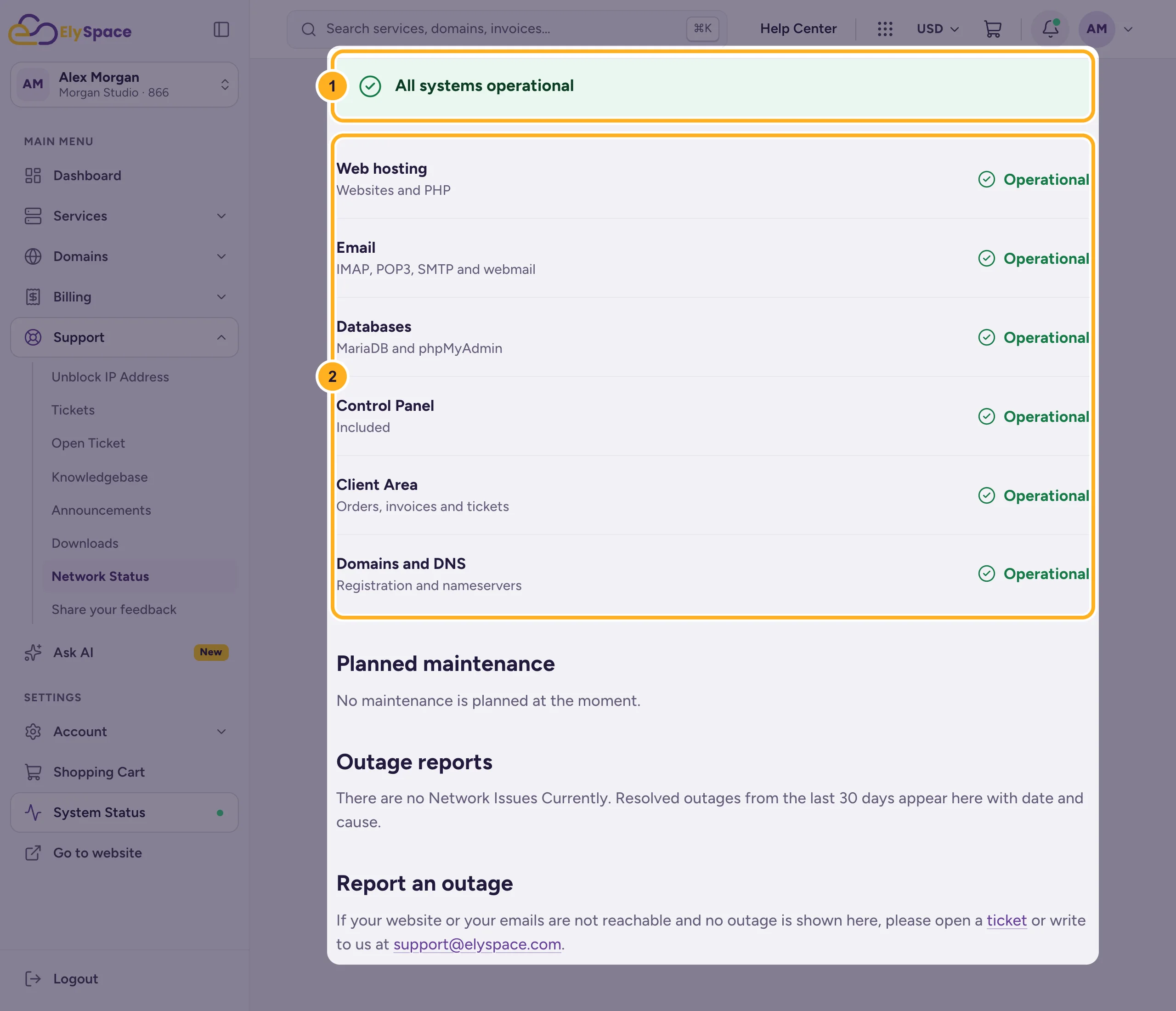
Below that, Planned maintenance lists upcoming work and Outage reports lists outages from the last 30 days with date and cause.
Your site is down but everything shows Operational
Then the problem is probably with your own site or domain. Check that:
- your service is active and has no unpaid invoice (see Renewals, due dates and suspension explained),
- your domain hasn't expired and uses the right nameservers (see Find your server name, IP address and nameservers).
If that's all fine, open a ticket or write to [email protected], as the Report an outage section on the page says.
Common problems
Only you can't reach the site
Try another network, for example mobile data. If it works there, your connection or your IP address may be blocked. Mention your IP address in the ticket.
Related articles
- Open a support ticket
- Contact ElySpace: chat, phone, WhatsApp and email
- Your website was hacked: what to do first
Still stuck? Open a support ticket and we'll help.
